
Mobile app
Ultimate Music Drafter
Catch the song, then draft it.
Catch the song before it slips away.

What is Ultimate Music Drafter?
Catch the song before it slips away.
A melody rarely waits. Ultimate Music Drafter is the fastest way to grab it, shape it, and send it. Record a take, trim it to the part that works, stack the next clip, layer some vocals over it, and export an MP3 you can share in seconds.
From idea to file
Grab it, shape it, and send it
-
From the first note to a file someone can play
Hit record as soon as the idea shows up. A short countdown is optional, and then recording begins! Trim each clip to the section worth keeping, line the clips up, and the draft is a song. Export one MP3, then share it or save the file.
-
Quick on purpose
Quick on purpose, songs and projects keep drafts easy to find. Notes stay on the clip they belong to. Back up everything on your device when you want a copy.
-
A theme for every kind of session
A theme for every kind of session change the look of the whole app. Twelve themes, from soft and quiet to bold and bright, so the screen matches the way you write. Pick one and get back to the song.
The app
Everything included
- Record the idea the moment it arrives
- Trim clips to the part you want to keep
- Stack clips into a draft
- Export an MP3 and share it, or save the file
- Choose from twelve themes
- Keep projects, songs, and notes in one place
- Your recordings stay on your device.
- Backup and Restore if you get a new device.
Screenshots
Record, trim, stack, and export an MP3
-
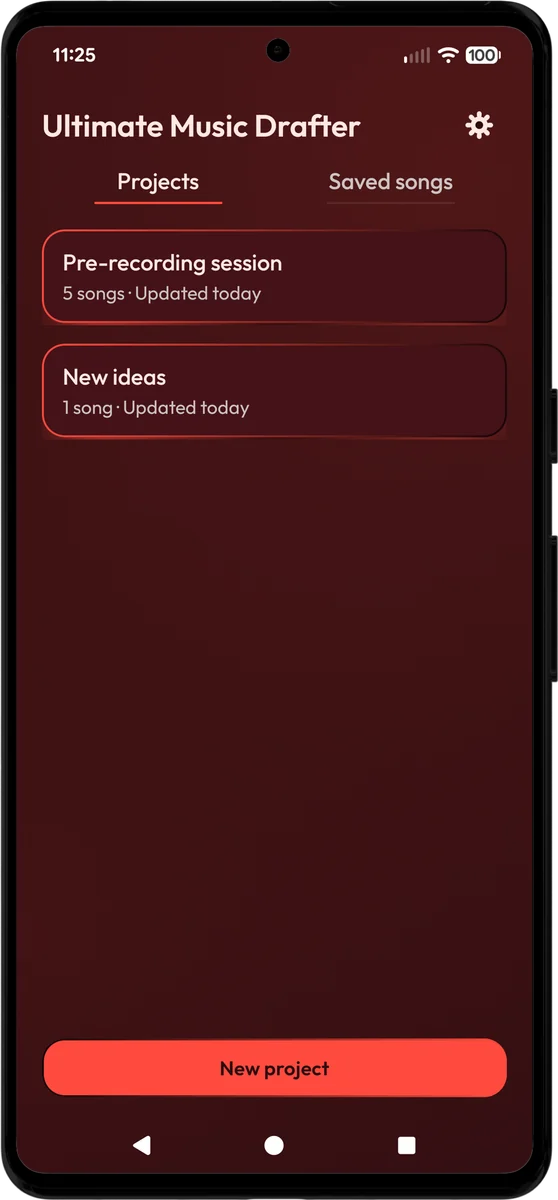
Projects: Pre-recording session and New ideas, with a New project button. -
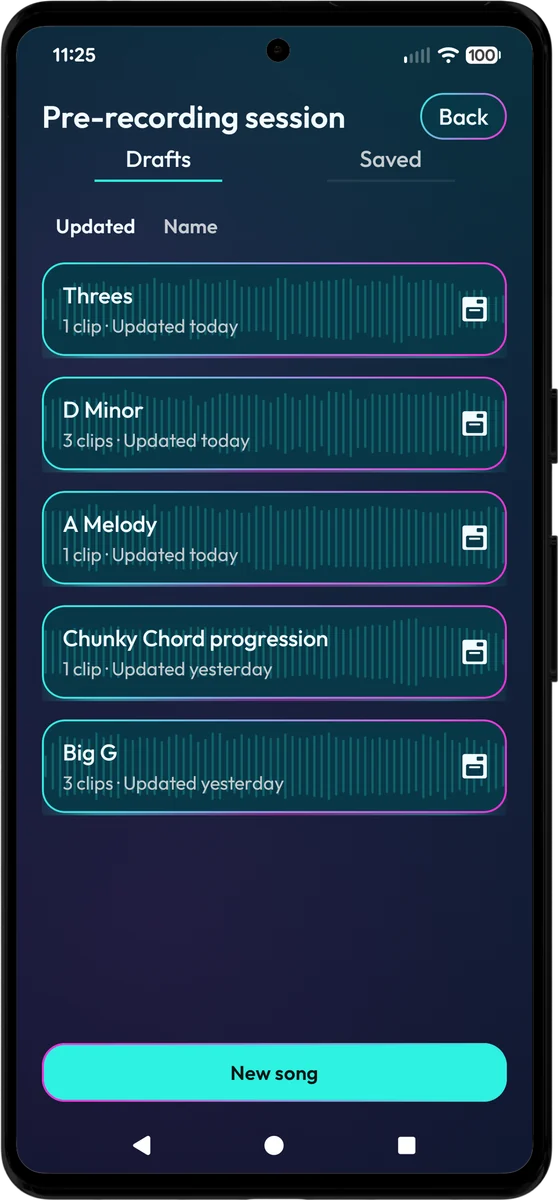
Song drafts in a project, with clip counts and a New song button. -
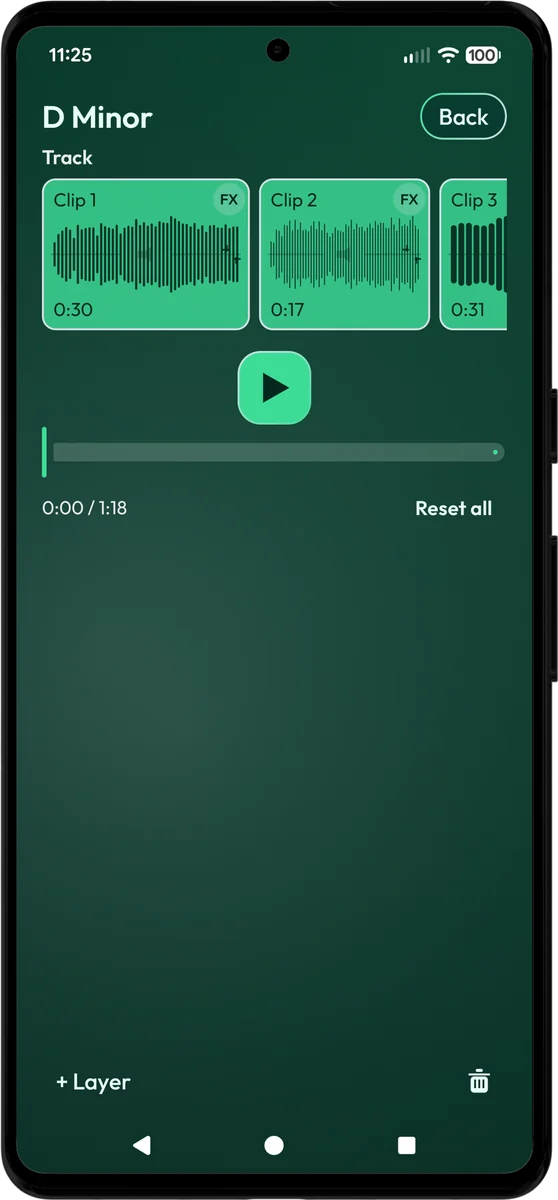
A song draft: stacked clips, waveforms, and + Layer. -
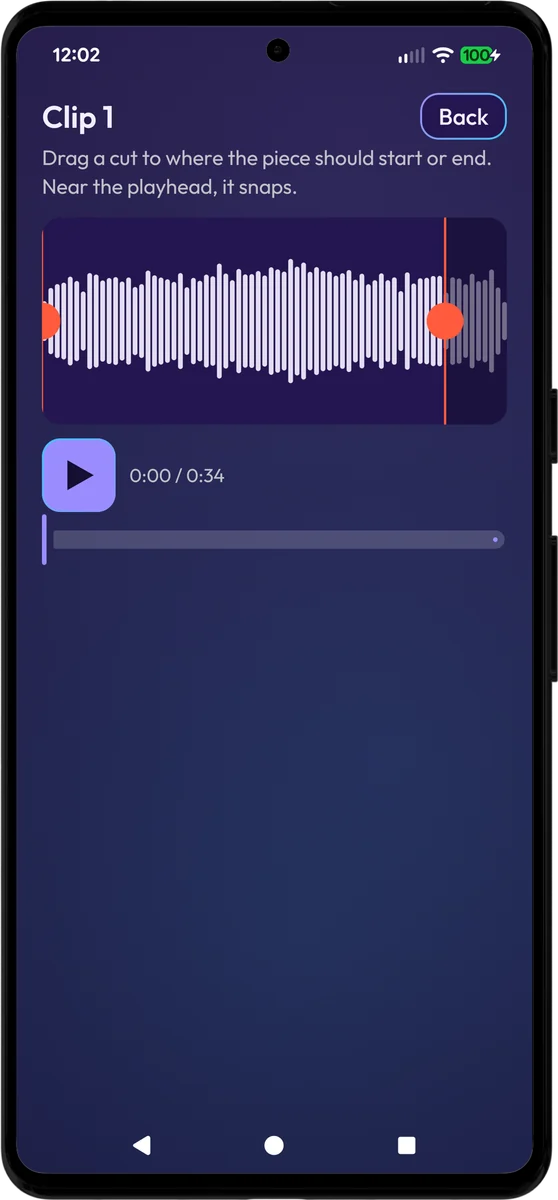
Clip editor: drag a cut to where the piece should start or end. -
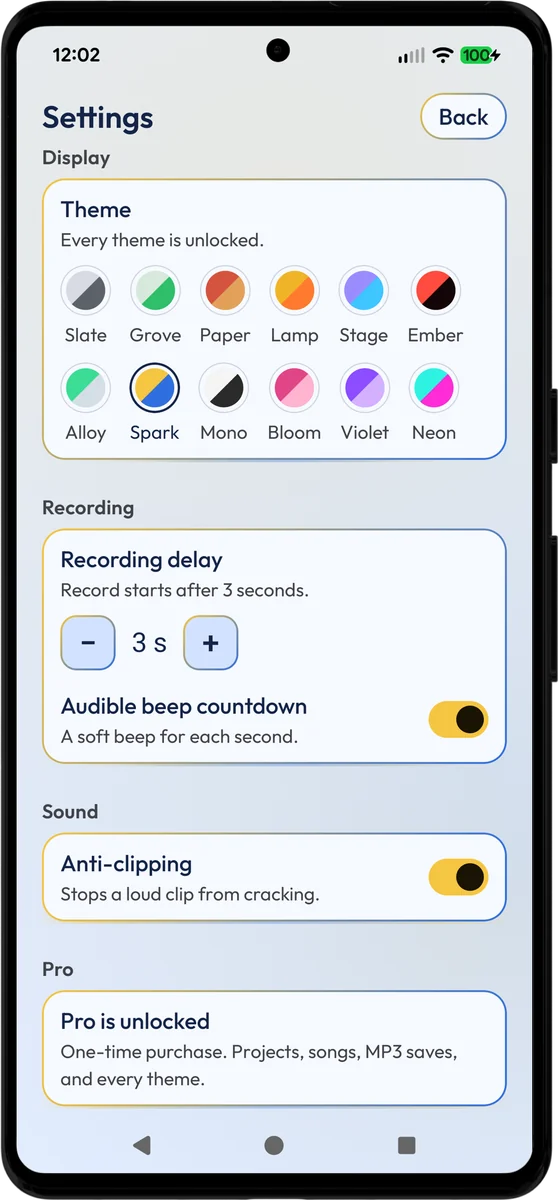
Settings: twelve themes, a recording delay, and an audible beep countdown. -
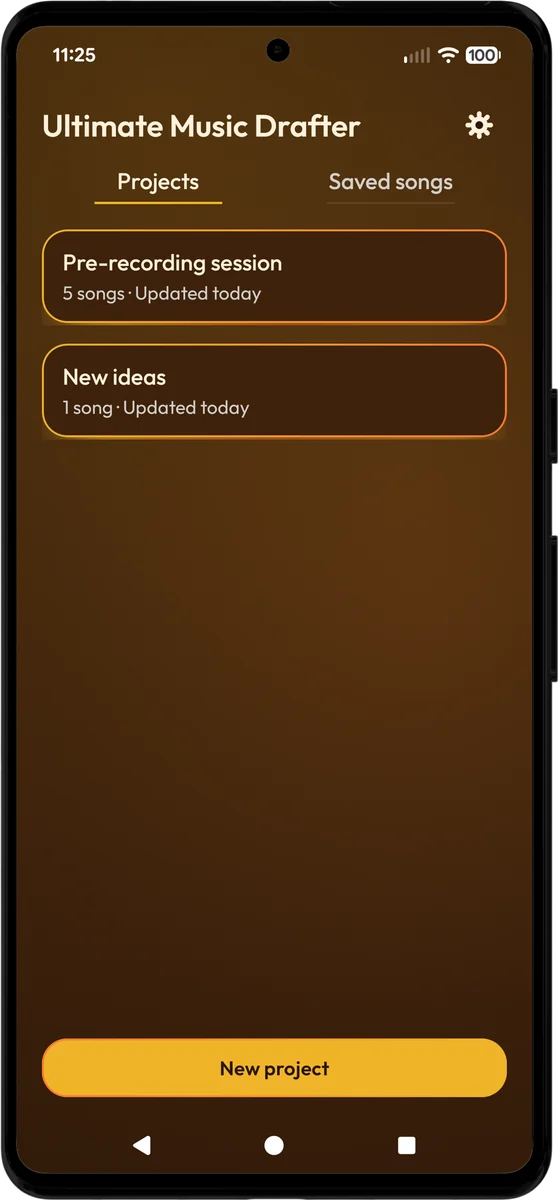
Projects in a brown and amber theme. -
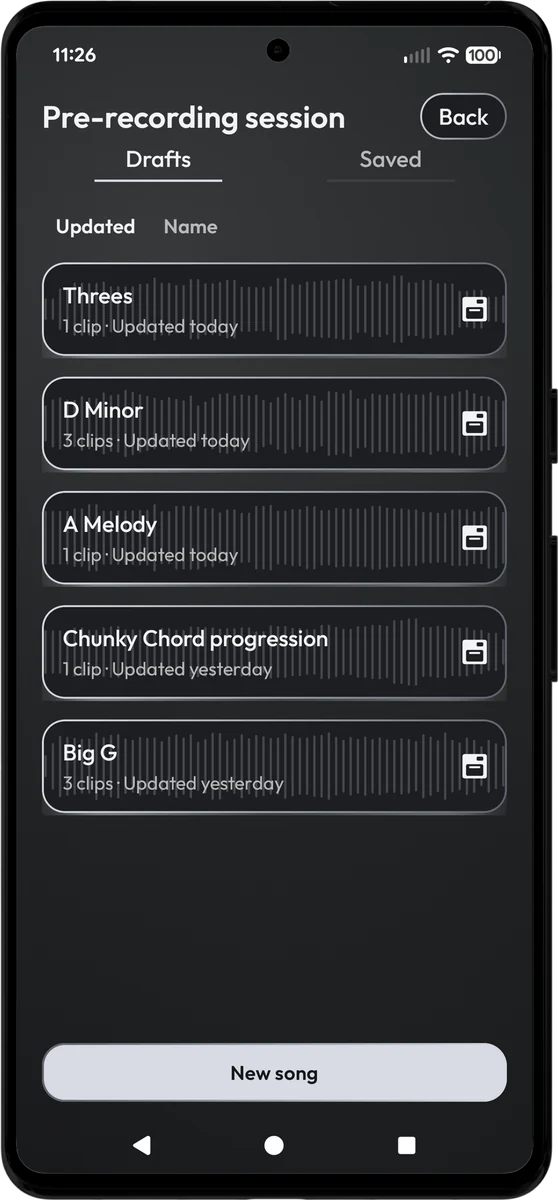
Song drafts in a black and grey theme.
On your device
Your recordings stay on your device
No ads, ad profiles, no data harvesting, no analytics. Your data is yours. Your privacy is respected.
Your recordings stay on your device. Backup and Restore if you get a new device.
FAQ
Music drafting questions
What is Ultimate Music Drafter?
Catch the song before it slips away. A melody rarely waits. Ultimate Music Drafter is the fastest way to grab it, shape it, and send it. Record a take, trim it to the part that works, stack the next clip, layer some vocals over it, and export an MP3 you can share in seconds.
How do I make a draft?
Hit record as soon as the idea shows up. A short countdown is optional, and then recording begins! Trim each clip to the section worth keeping, line the clips up, and the draft is a song. Export one MP3, then share it or save the file.
What stays on my device?
Your recordings stay on your device. No ads, ad profiles, no data harvesting, no analytics. Your data is yours. Your privacy is respected.
Can I back up my drafts?
Back up everything on your device when you want a copy. Backup and Restore if you get a new device.
How do themes work?
A theme for every kind of session change the look of the whole app. Twelve themes, from soft and quiet to bold and bright, so the screen matches the way you write. Pick one and get back to the song.
What is included?
Record the idea the moment it arrives. Trim clips to the part you want to keep. Stack clips into a draft. Export an MP3 and share it, or save the file. Choose from twelve themes. Keep projects, songs, and notes in one place. Your recordings stay on your device. Backup and Restore if you get a new device.
Is Ultimate Music Drafter on iPhone and Android?
Yes. It is on the App Store and on Google Play.
Ultimate Music Drafter
Catch the song before it slips away.
Record a take, trim it to the part that works, stack the next clip, layer some vocals over it, and export an MP3 you can share in seconds.
